

Aria
Your XignAll ChatBot — and a way to give back
Ask anything about signing, send suggestions and bug reports in one click, and get a free PRO license when you help XignAll recognize a new token.
Ask Aria — she is online
Aria answers questions about XignAll, certificates, hardware tokens and electronic signatures, in your language. She lives in the app (below the menu) and on this website (bottom-right button). A green dot means she is online.
- ●Available in the app and on xignall.io
- ●Answers in your language
- ●Daily limits: 5 questions on FREE, 100 on PRO, 500 on Server Edition (10 per visitor on the website)
- ●Questions are used only to generate the answer and are not stored permanently; the chat history in the app stays on your computer
- ●Never type PINs, passwords or document content
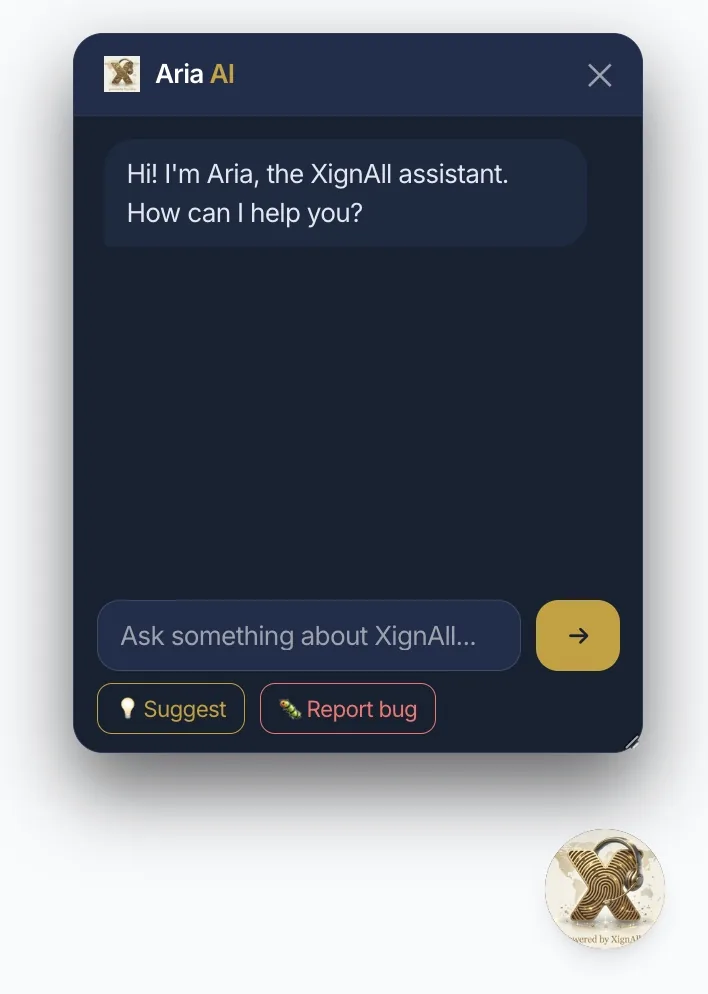
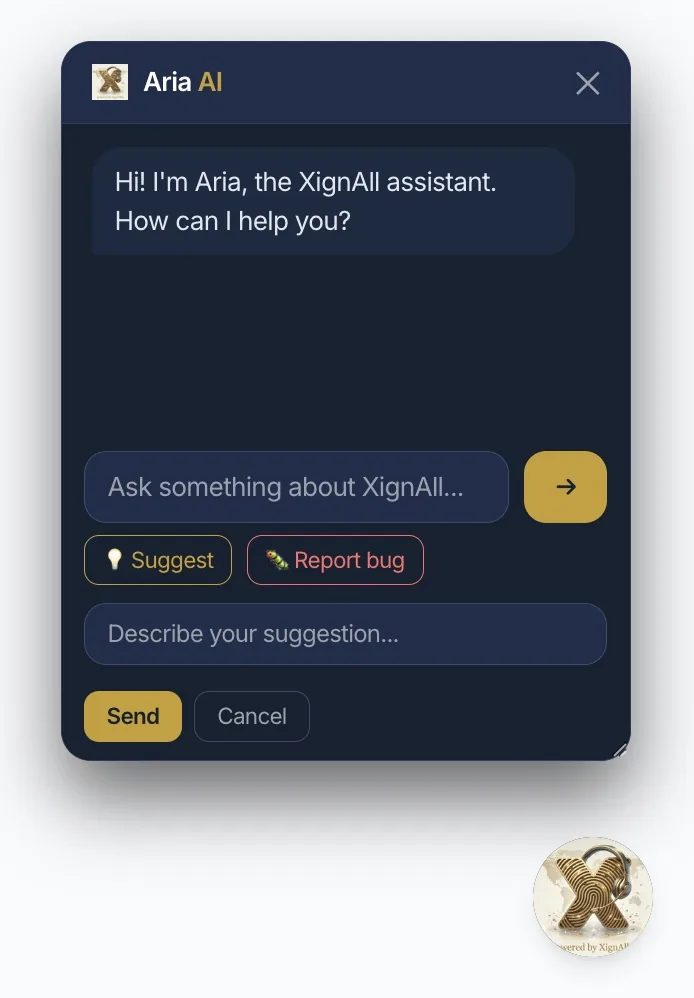
Suggestions and bug reports in one click
Under the chat box there are two buttons: Suggest and Report bug. Write a few words and press Send — the message reaches the XignAll team directly.
- →💡 Suggest — ideas and improvements
- →🐛 Report bug — what happened, what you clicked, the message you saw
- →Only the text you type is sent, together with the language, operating system and app version
- →You see a confirmation only when the server actually received your message
Optional error reports (coming in version 1.3.9)
When a technical error occurs, XignAll can offer to send a report so it gets fixed faster. Nothing is sent without your consent.
- →A dialog shows the exact text before sending — choose “Send report” or “Don’t send”
- →The report contains technical details only: app version, operating system, error type and technical trace
- →File paths, document names, certificate holder names, e-mails and serial numbers are replaced automatically
- →No documents and no PINs. Automatic sending is off by default and can be changed at any time in the Aria window
The same error is not asked twice in a session.
🎁 XignAll Rewards — a free PRO license
If your hardware token works but XignAll does not know it yet, you can send its technical configuration and receive a PRO license for 1 year, free of charge.
1. Test a real signature
In Certificates → Rewards, pick the detected library, enter the PIN (it stays on your computer) and run the signing test.
2. Send the configuration
If the certificate is qualified (eIDAS), valid and the token is unknown, the “Send configuration” button appears. A dialog shows exactly what is sent.
3. Get your license
If all conditions are met, the approval is automatic and your PRO key arrives in the app right away. Unclear cases are reviewed manually by the XignAll team (1–3 working days).
One reward per computer. Only technical token data is sent — no name, documents, PIN or private key. Available on the FREE plan too.
Aria and Rewards — FAQ
Is Aria free?
Yes, within the daily question limit of your plan.
Does Aria see my documents?
No. She only receives the text you type in the chat.
Why is Aria shown as offline?
Your internet connection or the Aria server is temporarily unavailable. The app itself keeps working fully offline.
What does the PRO license from Rewards include?
Exactly the same as a purchased PRO license: 1 year, 3 simultaneous activations (macOS, Windows, Linux) and all PRO features.
Try XignAll and meet Aria
Download the free version and test your token before you buy.
