

Distributed electronic signing. No cloud dependency.
Bulk PAdES signing, document preparation and distributed approval workflows — on your machines and servers. Documents never leave your organization. Bulk PAdES signing, document preparation and distributed approval workflows — on your machines and servers. Documents never leave your organization.
What is XignAll?
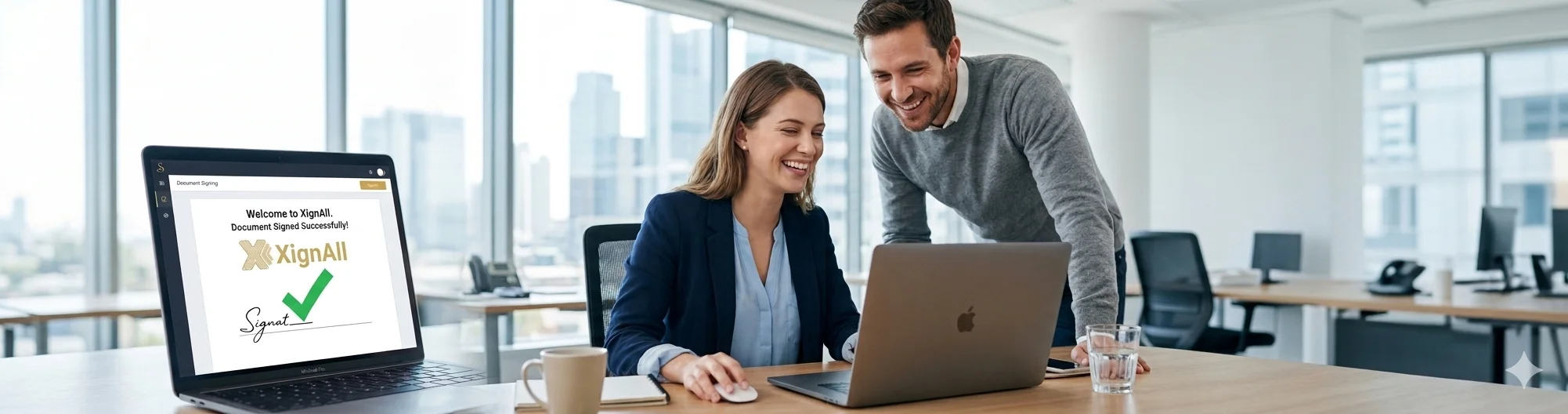
XignAll is a desktop application for batch digital PDF signing with precise coordinate placement per signer. It runs natively on Windows, macOS, and Linux. Documents are processed entirely on your machine — nothing is uploaded to external servers. XignAll supports PKCS#12 certificate files (.p12/.pfx) and PKCS#11 hardware USB tokens (eToken, SafeNet), and applies PAdES-format signatures compliant with the eIDAS regulation, accepted across all EU member states. It is used by notary offices, cadastral commissions, public institutions, accounting firms, and legal departments that sign between dozens and thousands of documents per day. A free edition with no time limit is available for Windows, macOS, and Linux.
Why XignAll is different
| Traditional SaaS e-sign | XignAll |
|---|---|
| ❌ Cloud dependent | ✅ Local-first |
| ❌ Per-user subscription | ✅ One-time license / per server |
| ❌ Requires API integration | ✅ Works with shared folders |
| ❌ Documents leave organization | ✅ Documents stay local |
| ❌ Centralized workflow | ✅ Distributed workflow |
| ❌ Browser-based | ✅ Native desktop / server app |
| ❌ Limited batch operations | ✅ High-volume batch (20–60 docs/min) |
The problem
Paper signing is slow, unpredictable, and hard to track.
Before XignAll
Stacks of paper, rooms full of folders
Thousands of documents printed in multiple copies, carried between offices, waiting for each signer in turn.
No visibility on where the document is
Is it on Maria's desk? Did the courier deliver it? No one knows. Workflows stall.
One missing signer blocks everything
One person on leave means the entire batch waits. Documents pile up, deadlines slip.

The solution
XignAll turns hours of signing into minutes.
After XignAll
Sign hundreds of PDFs in one click
Select a folder, click Sign. XignAll processes the entire batch in parallel — 20 to 60 documents per minute.
Full workflow visibility
Each signer gets an email notification. You see exactly who signed, who is next, and who is absent — in real time.
Works on your machine, without internet
No cloud, no uploads, no subscriptions to external signing platforms. Documents stay inside your organization.

Capabilities
Everything you need to sign at scale
Built for notaries, accountants, lawyers, and public institutions that handle large volumes of documents.
Batch signing — entire folders
Select a folder and sign all PDFs in one click. Hundreds of documents in minutes, each with a precisely placed visible signature.
Precise coordinate placement
Drag-and-drop signature placement on a live PDF preview. Coordinates saved per signer profile — consistent on every document.
PKCS#12 and PKCS#11 hardware tokens
Supports .p12/.pfx certificate files and USB hardware tokens (eToken, SafeNet). Full PAdES-standard signing via pyhanko.
Replace signature tables in seconds
Need to add or replace a signer in a document? XignAll removes the old signature block and rebuilds it — across all documents at once.
Multi-signer serial workflow
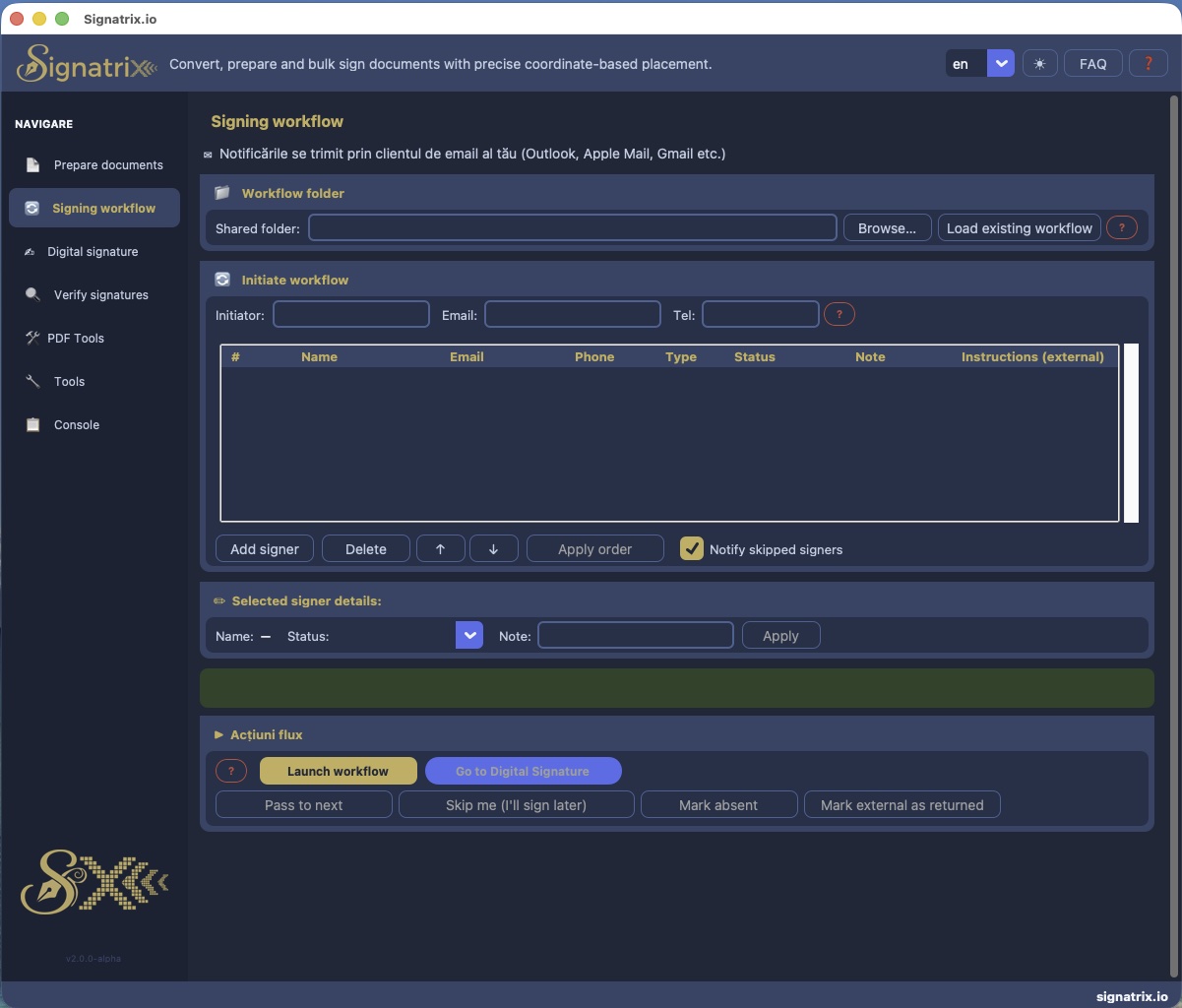
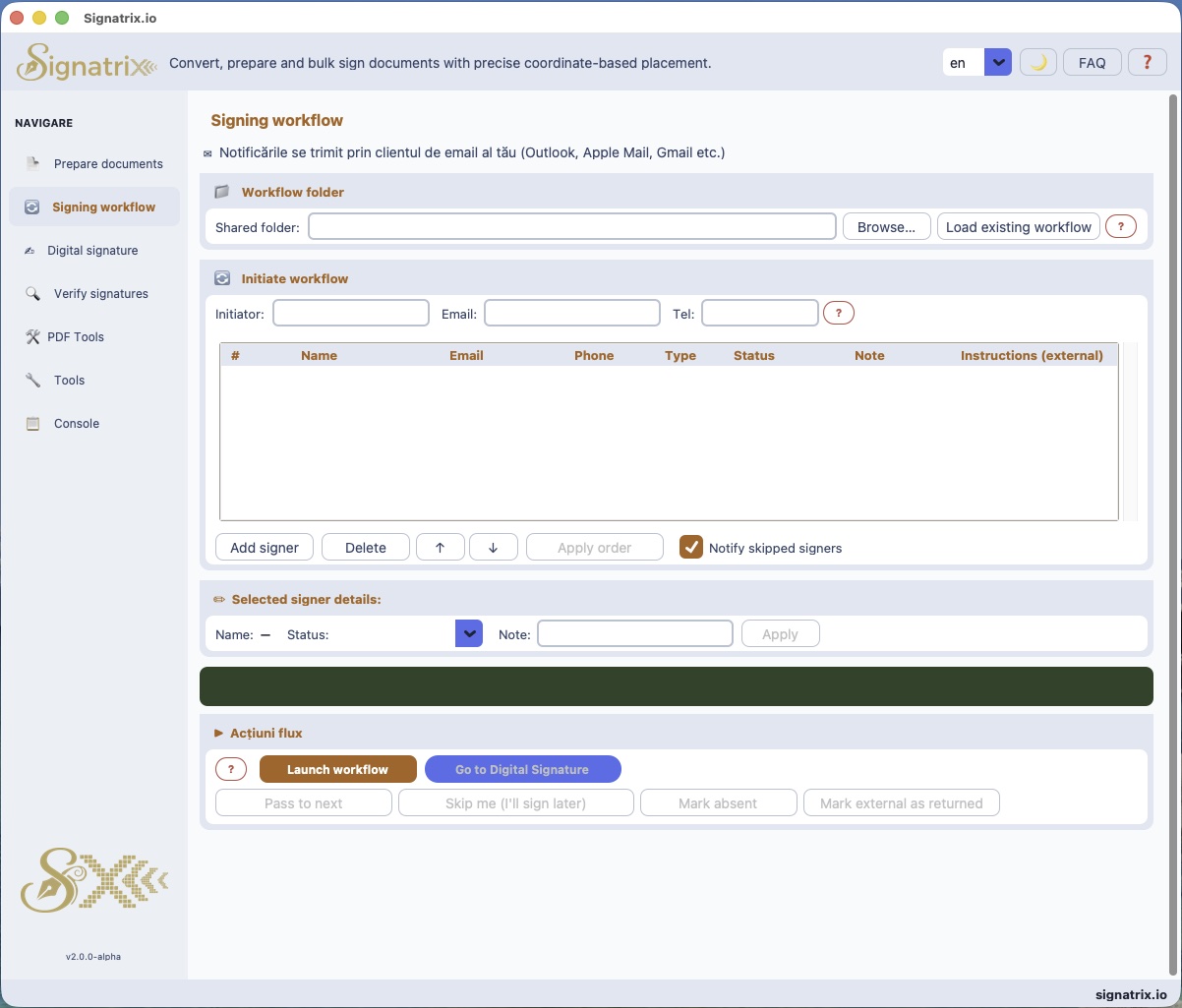
Define a signing chain: each signer receives an email notification, signs, and passes the document to the next. Absentees handled automatically.
Signature verification
Inspect and validate existing signatures in any PDF: signer name, reason, location, timestamp, certificate chain details.
Sign on every page, or selected pages
Have you been asked to apply signatures to all pages, odd/even pages, or a custom range (e.g. 1,3,5–8) and it was a nightmare? XignAll already makes all of these options possible!
PDF Tools — 9 built-in utilities
Merge, split, rotate, watermark, anonymize, extract text/images, edit metadata, encrypt/decrypt — all without leaving XignAll.
Anonymize sensitive data
Automatically redact emails, IBANs, phone numbers, CNPs, passport numbers, bank cards and more — 11 regex patterns, international + Romanian.
Encrypt and protect PDFs
AES-128 encryption with user and owner passwords. Decrypt any protected PDF you have the password for — locally, without cloud.
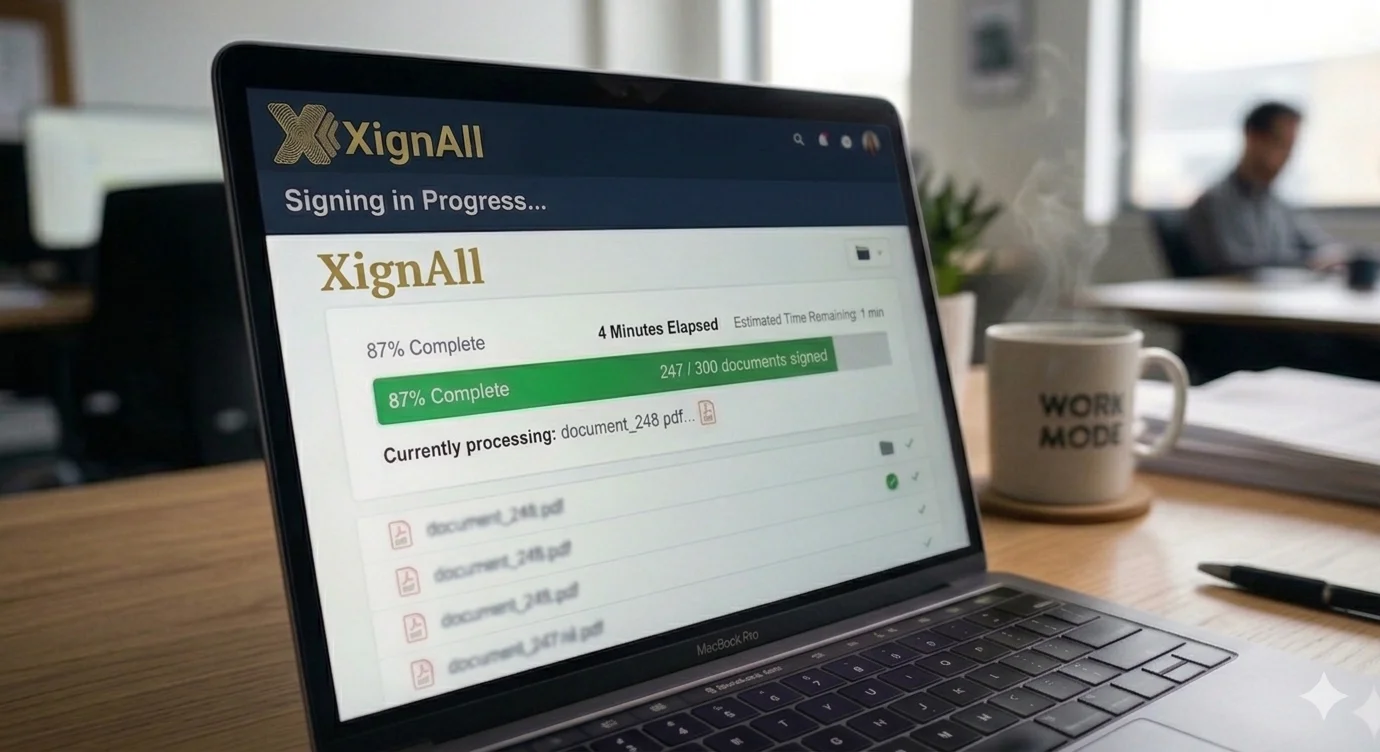
Bulk signing
247 documents signed. 4 minutes elapsed.
No document limit per session
Process an entire archive of thousands of documents in one run. XignAll distributes signing across parallel processes — significantly reducing processing time, as if you had multiple machines running at once.
Speed benchmark visible in the log
See the signing progress in real time. After each session, XignAll shows documents/minute — a concrete figure so the next signers can estimate how long their turn will take.
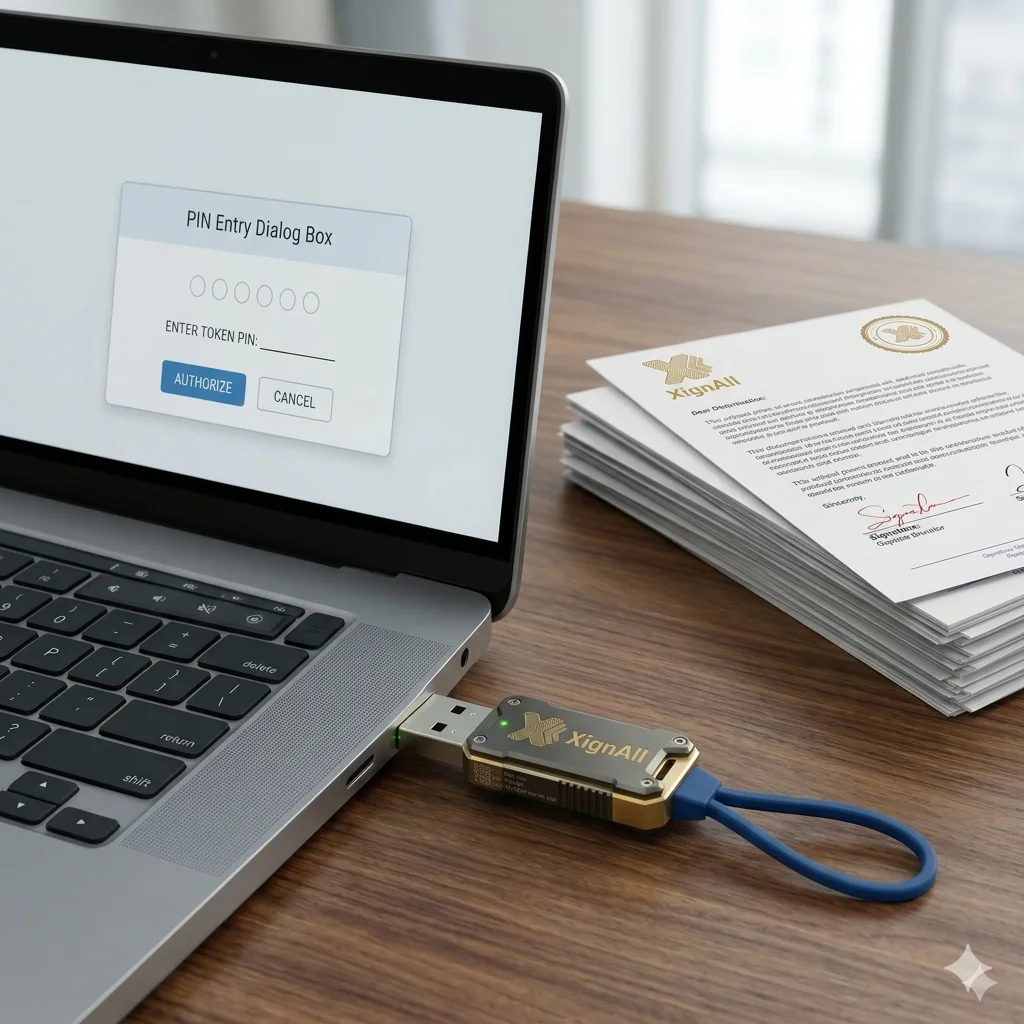
USB hardware token supported
Qualified certificates on eToken, SafeNet or other PKCS#11 devices sign the full batch with a single PIN entry.
Hardware tokens
Your qualified certificate. Your USB token. No cloud involved.
eIDAS-compliant qualified signatures
Works with certificates from CertDigital, certSIGN, GlobalSign, DigiCert, Certum and all eIDAS-accredited providers.
PIN entered once per session
Enter your PIN once at the start of a signing session. XignAll handles the rest — no repeated prompts per document.
Token protection built-in
XignAll detects incorrect PINs after the first attempt and stops — preventing token lockout from repeated failures.
Signature tables
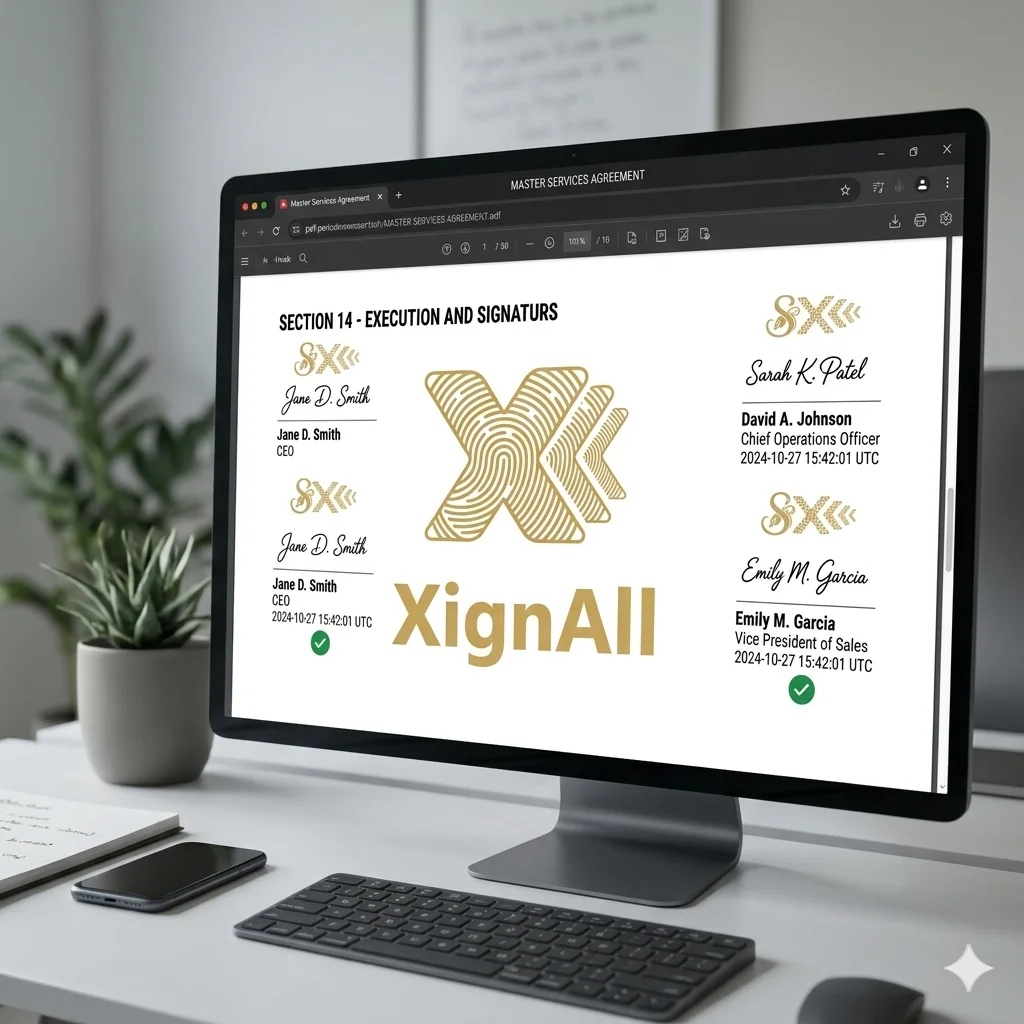
Signer changed? Rebuild the entire table in seconds.
Common in government and public institutions
Ministries, agencies and public bodies often require exact signer lists. One replacement used to mean reprinting everything.
Paste one line, XignAll finds the rest
Copy a row from the document, paste it as a marker. XignAll removes everything from that point to the end and rebuilds.
Applied to the entire batch at once
One operation updates all documents in the folder — not one by one.

From raw documents to signed PDFs in three steps
Step 1: Prepare
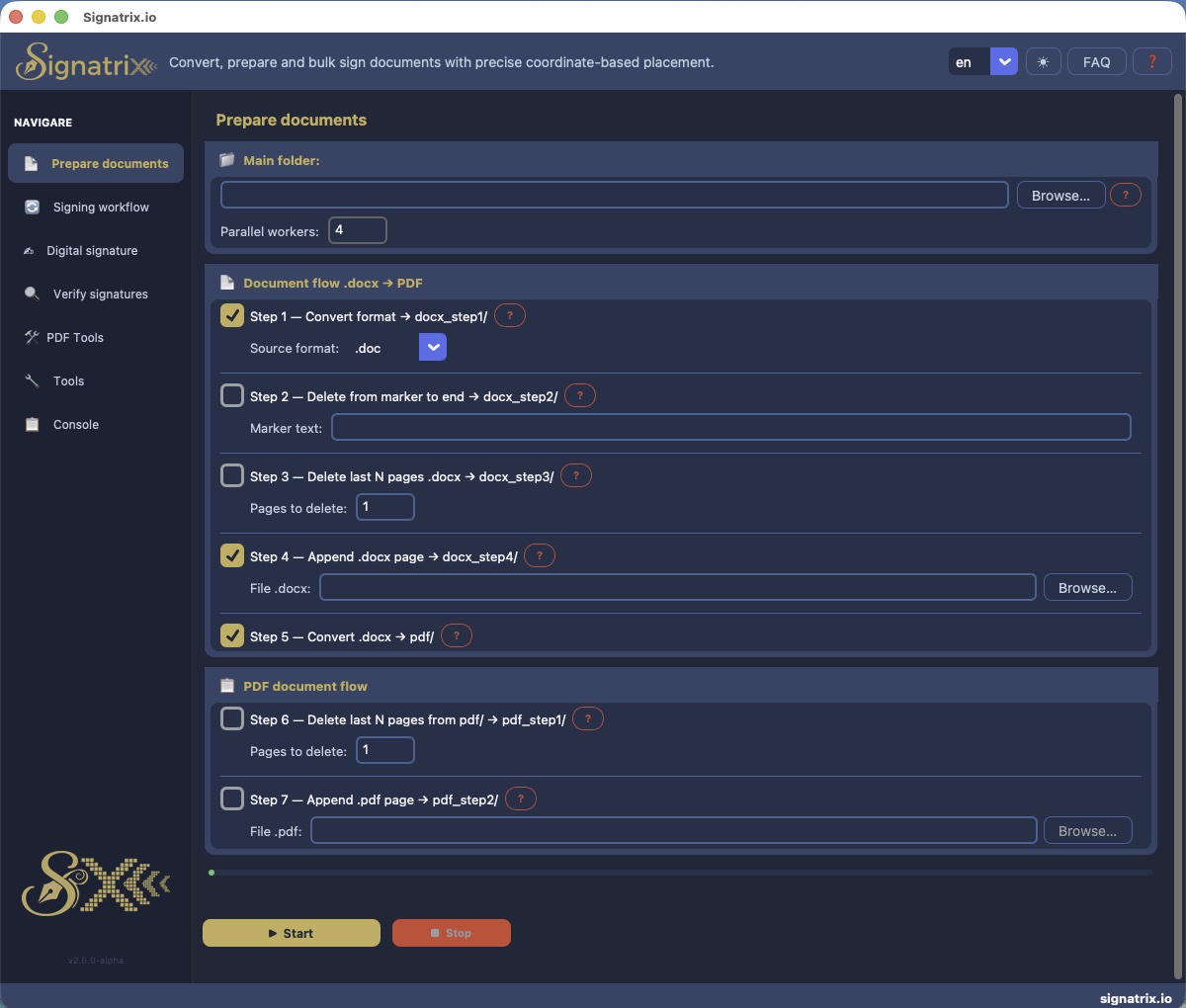
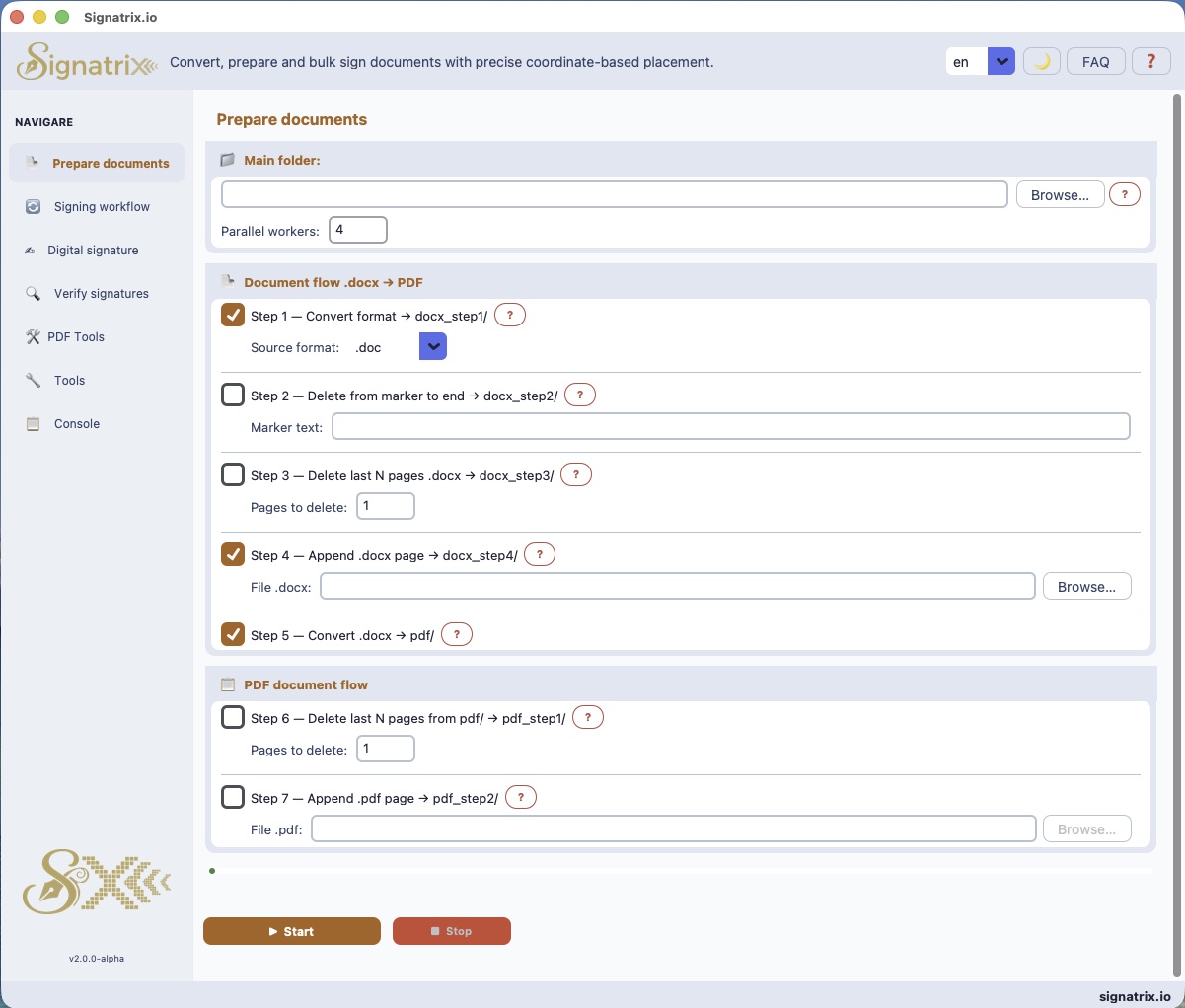
Drop your source files (.doc, .odt, .rtf) into the Prepare tab. XignAll converts them to PDF and appends your signers list page automatically.
Step 2: Sign
Select your signer profile, enter your certificate password or PIN once, and click Sign. XignAll processes the entire folder.
Step 3: Verify
Open any signed PDF in the Verify tab to inspect the signature chain — certificate details, timestamp, integrity status.
Done — documents ready to submit.
Cross-platform
Windows · macOS · Linux
Same experience on any operating system. No cloud, no server.


Screenshots
XignAll in action
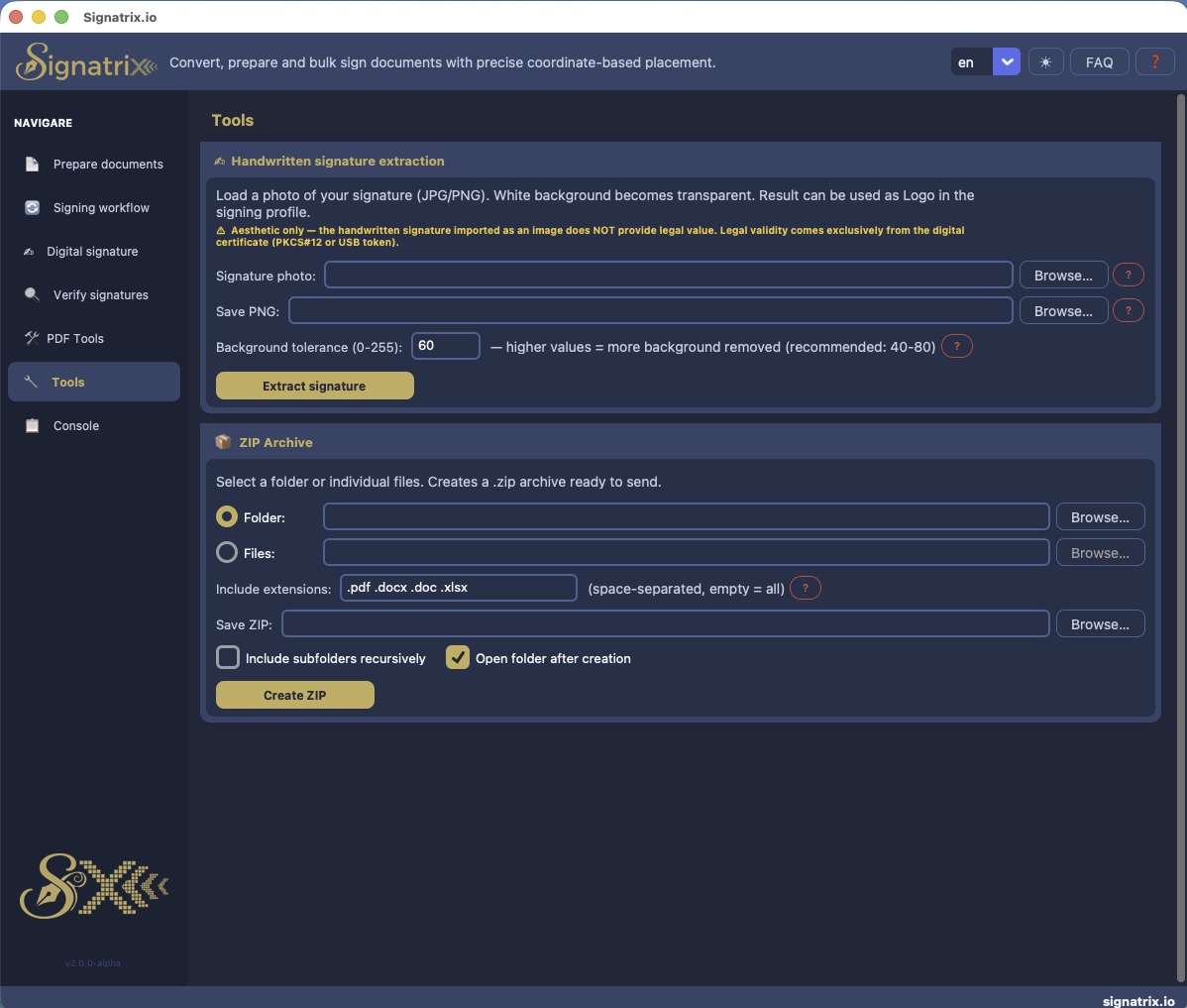
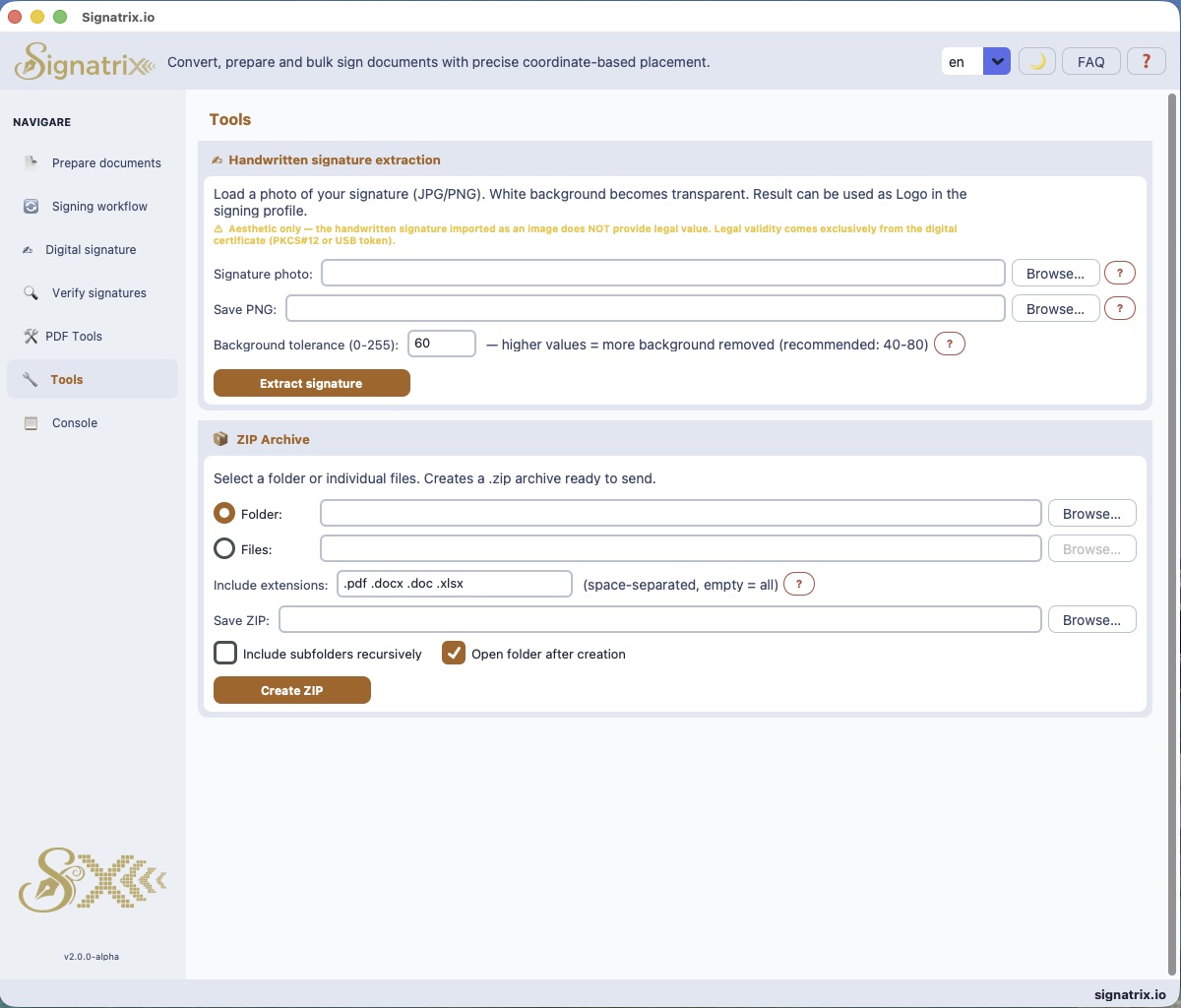
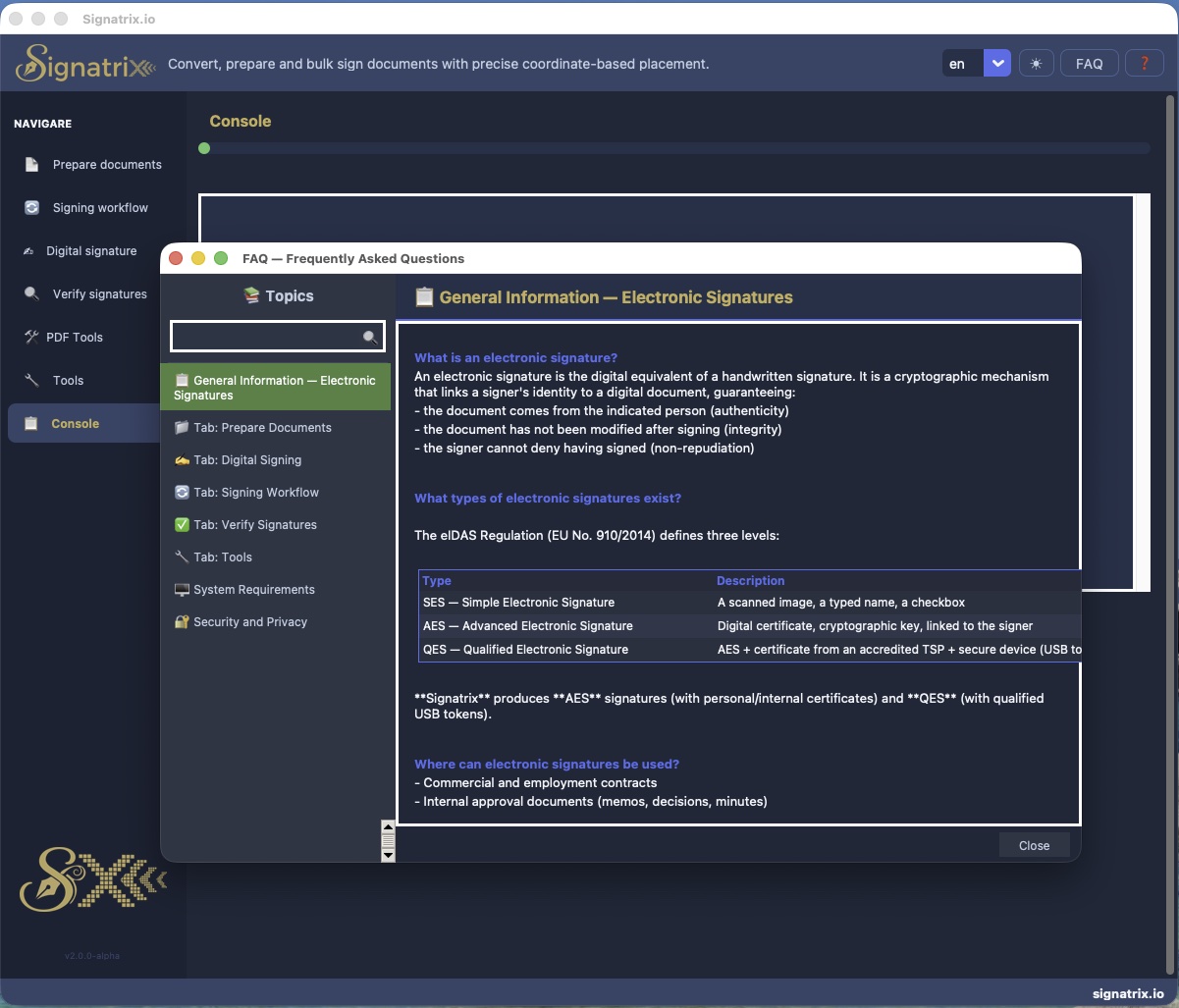
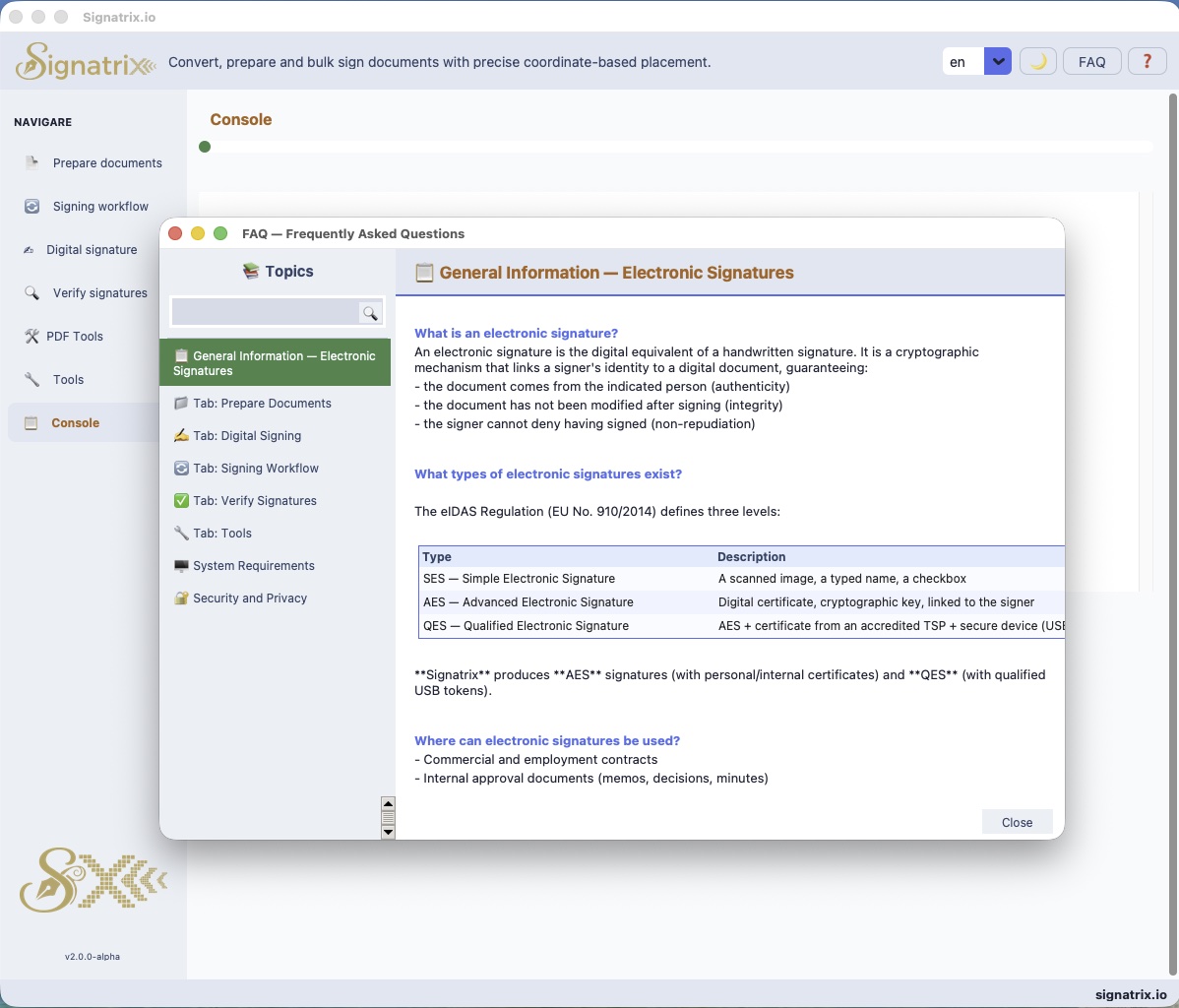
Every tab, every feature — dark mode and light mode.
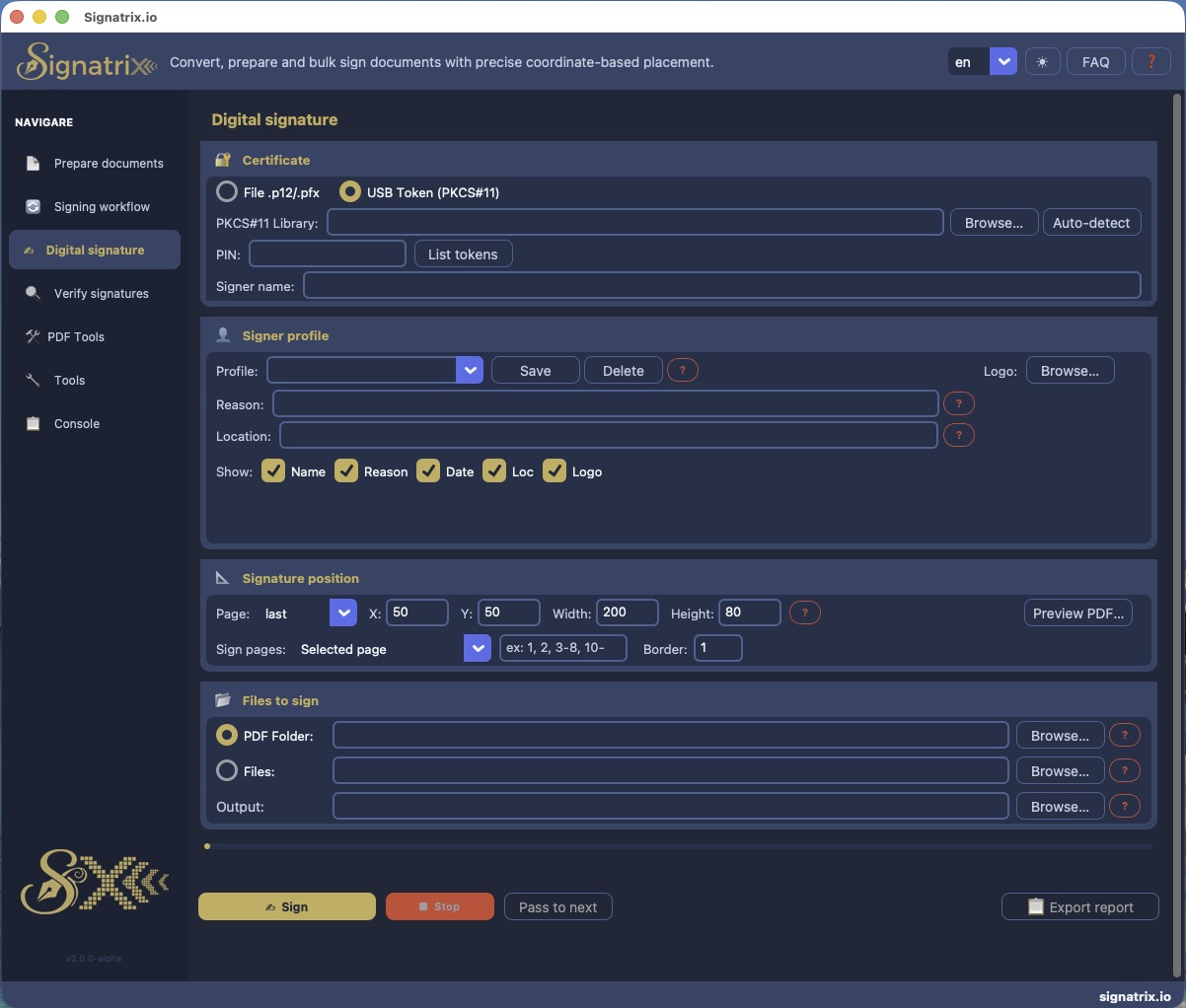
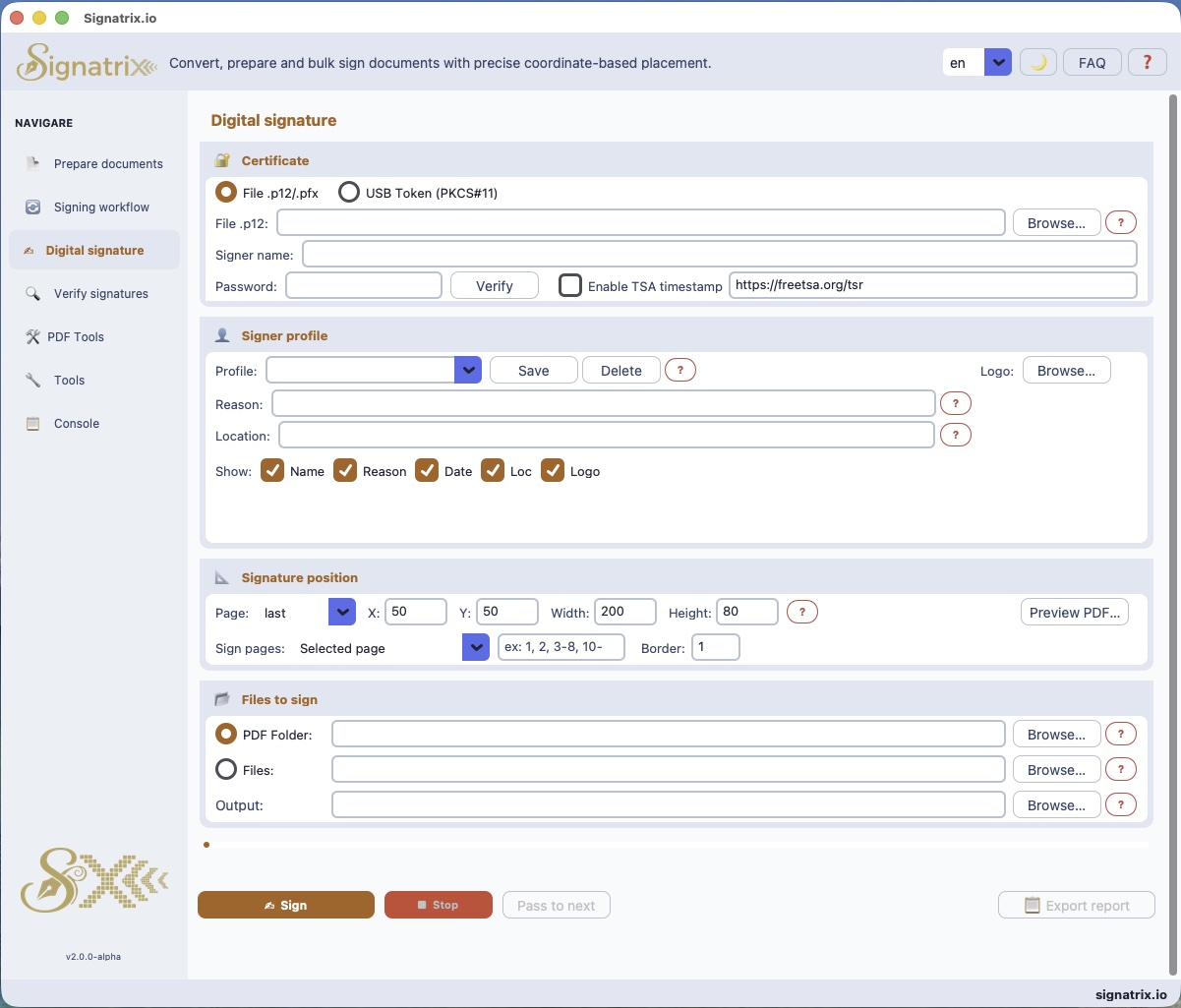
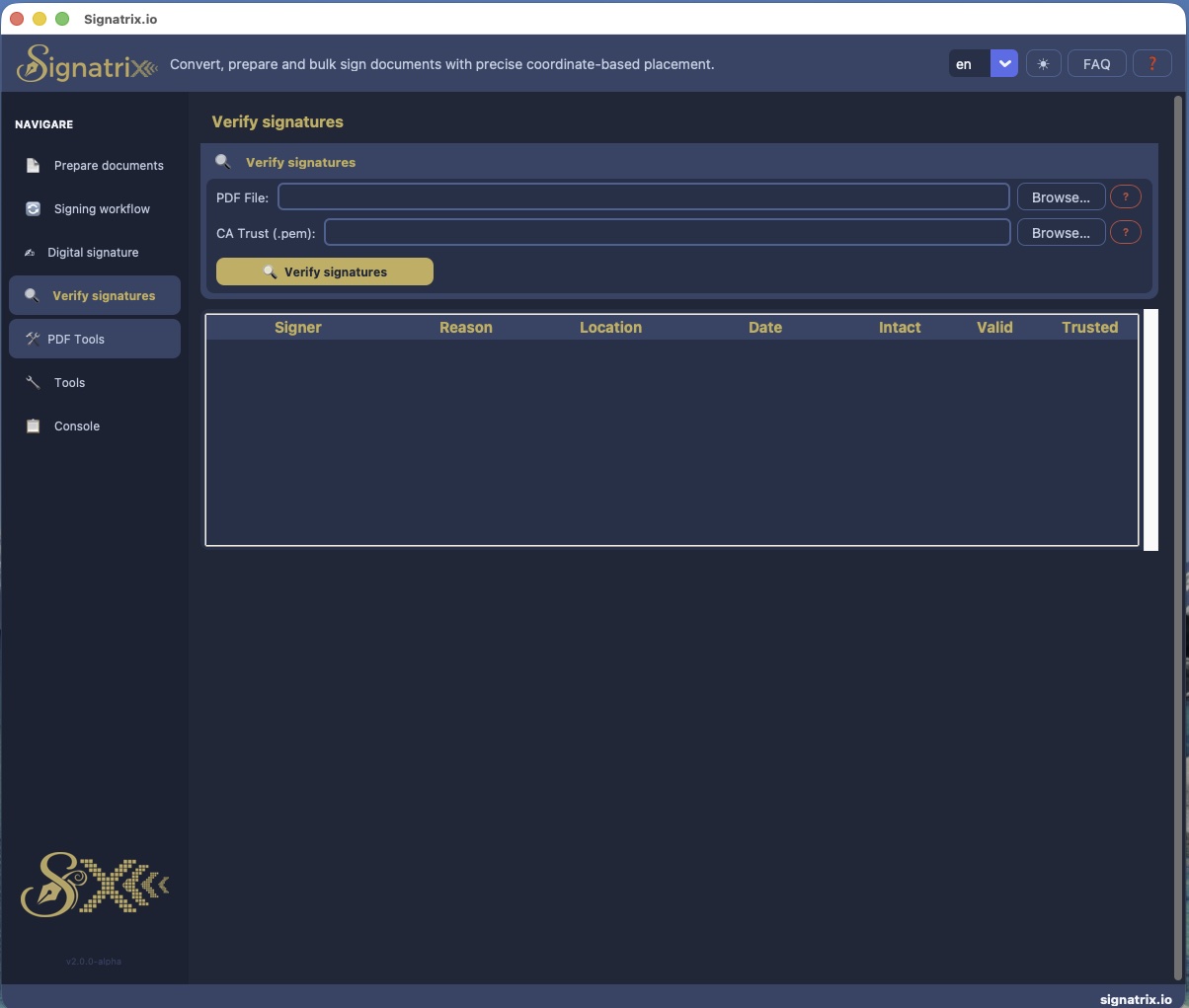
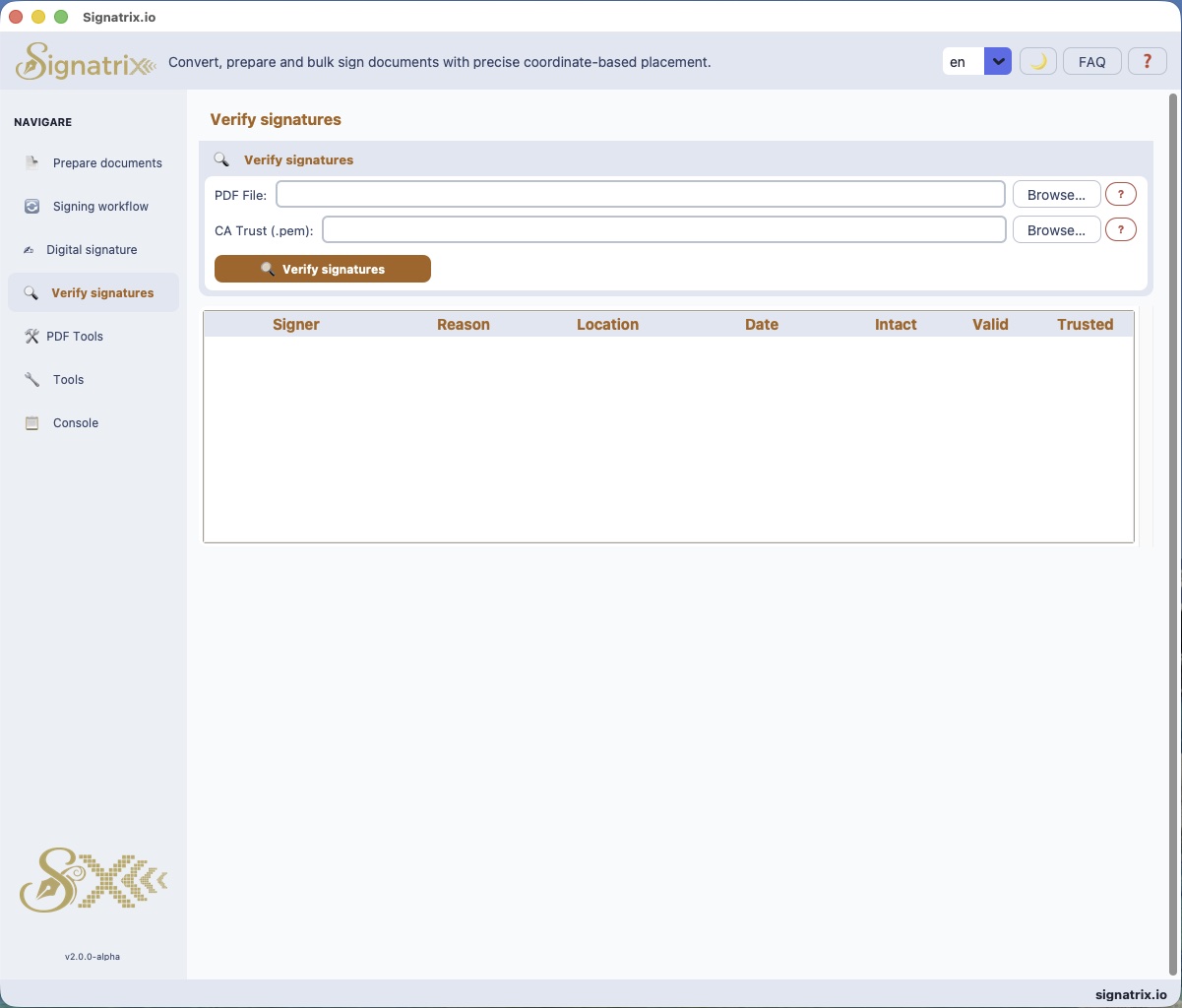




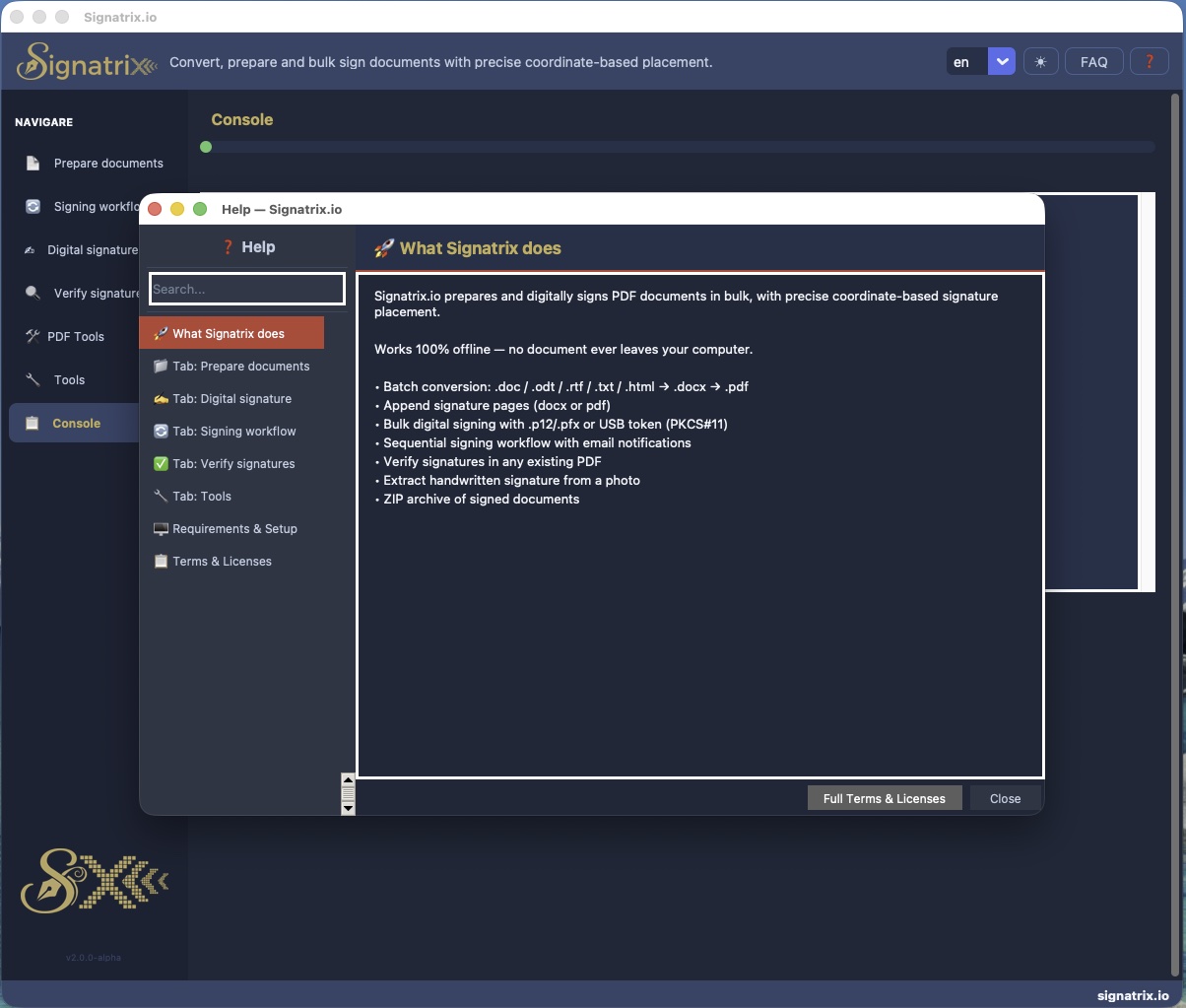
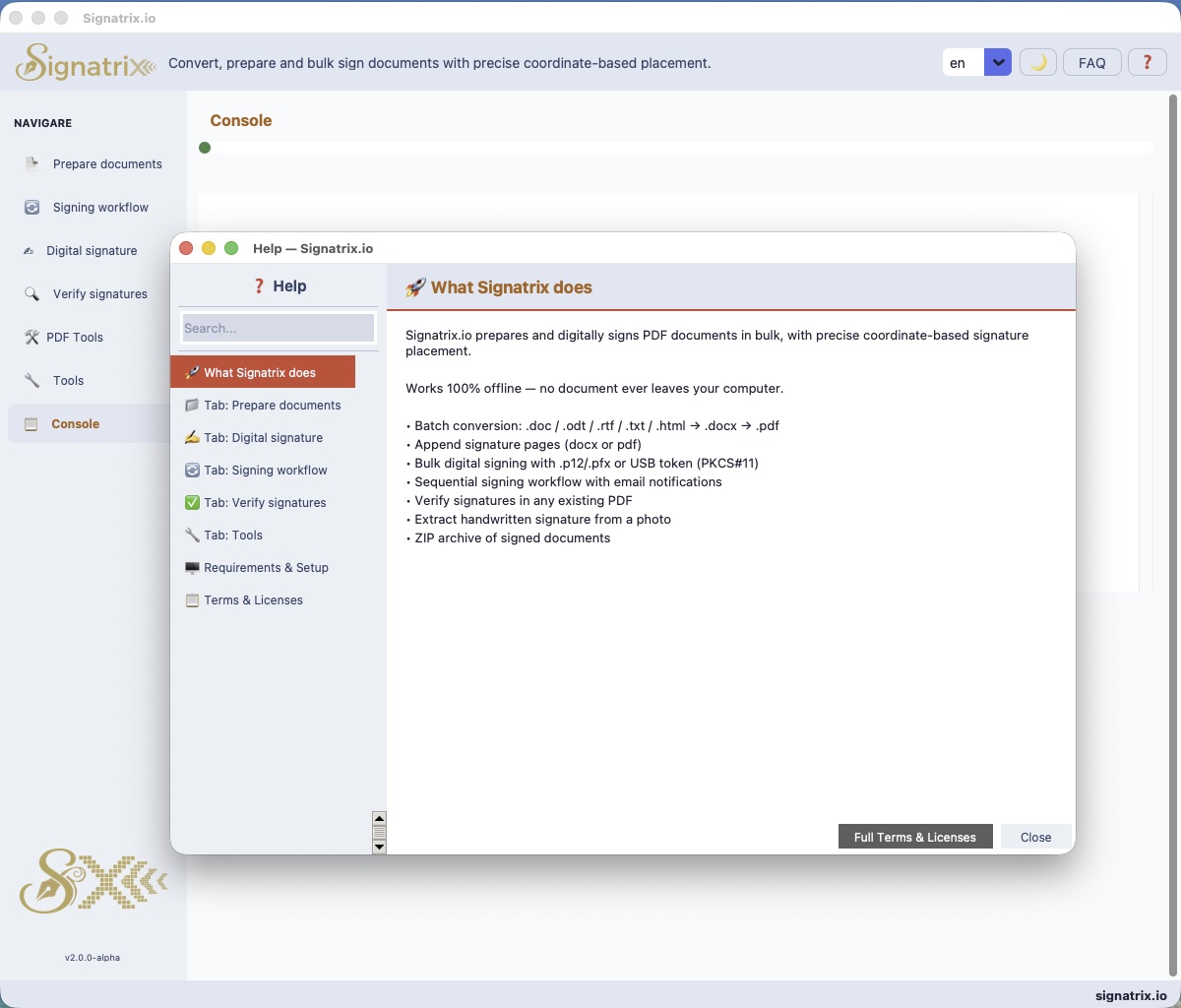


Used in production by real teams
Real results from organizations that replaced paper signing with XignAll.
" We had between 2,600 and 5,000 cadastral survey measurement sheets per contract — 2 to 3 pages each, printed in 3 to 4 copies, signed by hand by 7 people. Now the entire commission signs the full batch digitally in one session. What took days takes an afternoon. "
Cadastral Commission
Public institution, Romania
" In government agencies, you cannot just swap a signer — you have to reprint and redistribute the entire signature table across all documents. With XignAll, we mark the old table, XignAll removes it and rebuilds it everywhere. A 20-minute job that used to take two days. "
Document Control Office
Government agency, Romania
" Generating tens, hundreds or thousands of PDF documents from Word files used to require multiple tools. Now we do it in one step — and on top of that, we can sign all of them at once. The workflow went from chaotic to predictable overnight. "
Administrative Department
Regional public authority, Romania
" We had documents sitting on someone's desk for a week with no one knowing. The signing workflow was completely opaque. With XignAll, every step sends a notification, every signer knows their turn. Nothing gets lost. "
Legal & Compliance Team
Mid-size company, Romania
" We needed signatures on every page of the contract — with the signer's coordinates fixed in a specific corner. No other tool handled this natively. XignAll did it out of the box. "
Contracts Department
Construction company, Romania
" Our team uses three different operating systems — the director on macOS, the accountant on Windows, the IT administrator on Linux. We share the same Google Drive folder and the signing workflow passes through all three without any configuration. We didn't even realize the OS difference mattered until we read the docs. It simply works. "
Mixed IT Environment
Engineering firm, Romania
Simple, honest pricing
Annual license or one-time purchase.
⚠ Test compatibility before purchasing!
Download the FREE version of the app.
Before buying a license, verify your token works with XignAll. Open the Digital Signing page → select your token → test a signature. If it works, you're ready to buy.
Bonus: If your token isn't in our list, help us identify and add it — you'll receive a free PRO license for 1 year. In the FREE app, open the Certificates page → we identify the settings → PRO license reward.
Free
Try before you buy
- Single file signing
- PKCS#12 + PKCS#11 support
- Single signer profile
- PDF Merge + Split
- Signature verification
- macOS + Windows + Linux
Pro
For individuals and small offices
- Everything in Free
- Bulk folder signing (unlimited)
- Unlimited signer profiles
- Serial signing workflow
- All 9 PDF Tools + Utilities
- TSA timestamp
- Up to 3 activations
- Email support
Server Edition
Headless auto-signing for organizations
- Everything in Pro
- Signs with qualified digital seal (SEAL) on file arrival
- Signs via Telegram
- Runs as background service
- Signing log + audit report (PDF)
- Per-organization license
- Local processing — no cloud
- Issues internal .p12 certificates (in development)
- ChatBot / Email support
FAQ
Frequently Asked Questions
Does XignAll upload my documents anywhere?
No. XignAll runs entirely on your machine. Your documents, certificates, and PIN codes never leave your computer. The only exception is when XignAll uses a shared folder on your network or your own cloud storage — but that sharing happens between your own XignAll users, not with our servers.
What certificate types are supported?
PKCS#12 files (.p12, .pfx) — issued by any Certificate Authority — and PKCS#11 hardware tokens (eToken, SafeNet, etc.). Compatible with qualified certificates from CertDigital, certSIGN, GlobalSign, DigiCert, Certum and others.
Is the digital signature legally valid?
Yes, if you use a qualified certificate from an eIDAS-accredited Trust Service Provider. XignAll applies PAdES-format signatures, accepted in all EU member states. The EU Trusted List is at eidas.ec.europa.eu/efda/tl-browser.
How many documents can I sign at once?
There is no signing limit. In the FREE plan, you sign one document at a time, at coordinates you define. In the PRO plan, you sign unlimited files in a single command — all PDFs in a folder at once. Speed depends on file size, your network, and hardware — up to 200 documents per minute.
Can I delegate my token to someone else to sign on my behalf?
No. A digital signature has the same legal weight as a handwritten one. Unauthorized delegation constitutes forgery. Each person must sign personally with their own certificate.
What happens if someone sees my PIN?
Change your token PIN immediately using the software provided by your certificate issuer. If you cannot, contact the issuer to block and reissue the token. Signatures applied before the incident remain valid.
What is a SEAL and how is it different from a signature?
A SEAL (electronic seal) is the organizational equivalent of a stamp — applied by a legal entity, not an individual. A qualified eIDAS SEAL has legal force across the EU and is typically applied at the end of a signing workflow to certify the final document.
What operating systems are supported?
Windows 10/11, macOS (Apple Silicon and Intel), Linux (Ubuntu 22.04+).
Do I need LibreOffice or Microsoft Word installed?
Yes, for the document preparation step (Step 1 — converting .docx/.odt/.xlsx to PDF) and PDF export with visual signature (Step 3). XignAll uses the UNO/COM programmatic interface of LibreOffice or Word — this is permitted by their license terms. LibreOffice is free and open-source (libreoffice.org). If neither is installed, those conversion steps are unavailable, but signing native PDF files works without them.
What open-source libraries does XignAll use?
XignAll is built on established open-source libraries: pyhanko (PDF signing, MIT), cryptography (Apache 2.0), python-pkcs11 (MIT), PyMuPDF (AGPL), Pillow (HPND), and others. All are used under licenses permitting commercial use. Full license texts are included in THIRD_PARTY_NOTICES.txt in the installation directory.
How does license activation work?
After purchase, you receive a license key by email. Enter it in the license field of the application. The license period starts from activation, not from purchase. The key is tied to your device and verified against our servers. Grace period of 30 days offline. If you activate the key on another machine, the key on the first machine is automatically deactivated. If you change computers, use the recovery option on xignall.io.
What is the difference between PKCS#12 and PKCS#11?
PKCS#12 is a file format (.p12 or .pfx) that stores your certificate and private key in a password-protected file on your disk. PKCS#11 is a standard interface for hardware cryptographic devices — USB tokens such as eToken or SafeNet. With PKCS#11, the private key never leaves the hardware device; the signing operation happens inside the token itself. Qualified certificates required by law (Romania, EU) are typically issued on PKCS#11 hardware tokens.
What does eIDAS compliance mean for digital signatures?
eIDAS (EU Regulation 910/2014) establishes three levels of electronic signatures: Simple, Advanced, and Qualified. A Qualified Electronic Signature (QES) has the same legal effect as a handwritten signature across all EU member states. XignAll applies PAdES-format signatures — the PDF profile recognized under eIDAS — using certificates issued by accredited Trust Service Providers (TSPs) on the EU Trusted List. To produce a QES, you need a qualified certificate issued on a PKCS#11 hardware token from an accredited TSP such as CertDigital, certSIGN, GlobalSign, or DigiCert.
Can XignAll sign documents that already contain signatures?
Yes. XignAll can add new signatures to a PDF that already has one or more existing signatures. Each signature is appended as an independent incremental update — previous signatures remain intact and verifiable. This is the standard for serial (multi-signer) workflows where each person signs after the previous one.
How does the serial multi-signer workflow work?
In the XignAll workflow, you define an ordered list of signers. Each signer receives an email notification when it is their turn. They open XignAll, sign the batch, and the documents move to the next signer automatically. If a signer is absent, the workflow administrator can skip or reassign that position. The full audit trail is embedded in the PDF signatures.
Does XignAll work on air-gapped machines with no internet access?
Yes. After a one-time license activation, XignAll operates fully offline for up to 30 days. Signing, verification, PDF tools, and workflow processing all work without any internet connection. Documents, certificates, and PINs never reach any external server at any point.
Ready to use.
Download XignAll now.
Available for Windows, macOS and Linux. Download for free and start signing.
